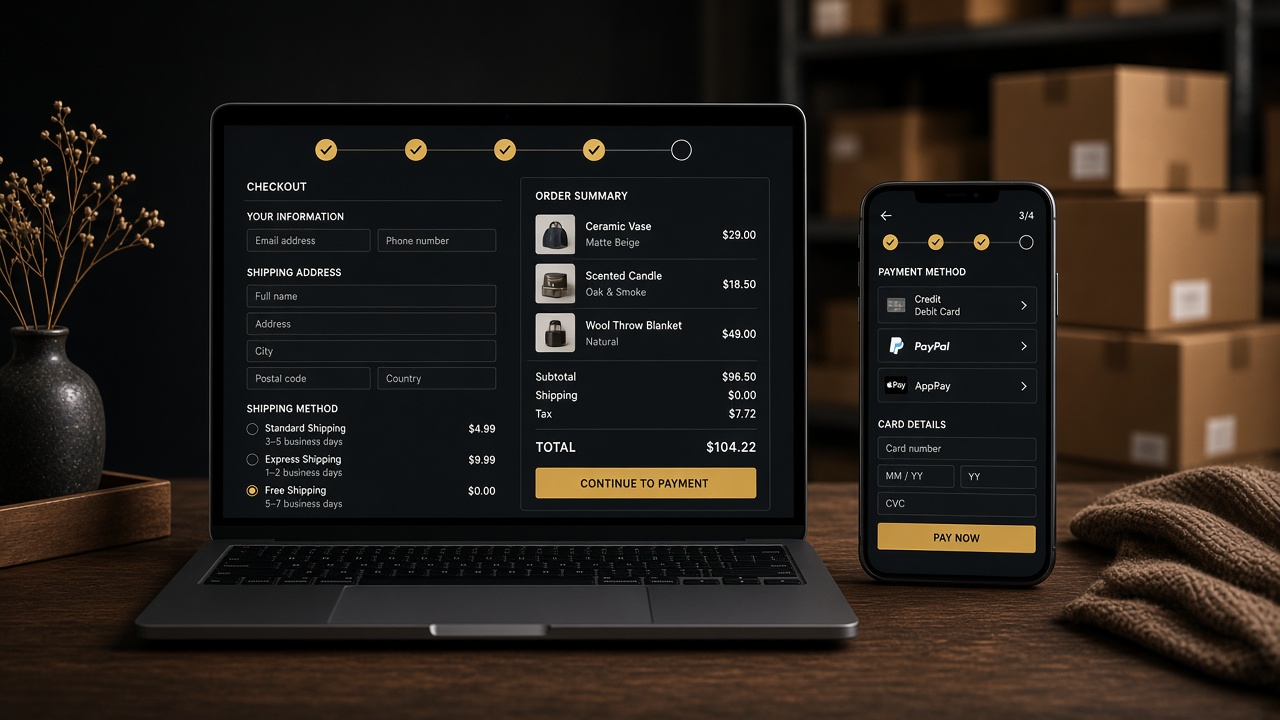

If your WooCommerce store gets traffic and still does not sell, start at checkout — not at another homepage slider. I fix this class of work as a WooCommerce developer: variations, payment gateways, shipping zones, and the PHP that runs after “Place order”.
The failures I see most
- Variable products that hide the add-to-cart button until the customer guesses the right combination
- Payment gateways that work on desktop and fail on mobile wallets or UPI
- Shipping methods that vanish for a pin code the business actually serves
- Plugin conflicts that empty the cart after a coupon
- No order email, so the customer thinks they were charged and you think they dropped off
A sane order of work
- Place a real test order on staging with the same plugins as production.
- Record every click from product to thank-you page on a phone.
- Turn off marketing popups for the test. Measure the core flow first.
- Fix one cause at a time. Do not stack three checkout plugins on a broken theme.
WooCommerce or Shopify
Stay on WooCommerce if you already run WordPress, need custom pricing, or your catalogue is tied to content. Move to Shopify if you want a hosted checkout and a smaller app list. I build both; I will not force WooCommerce because it is on my CV.
Need this on an existing store? Send the URL, a screen recording of the failed checkout, and whether you want a full-time developer in Kolkata or a scoped freelance fix.